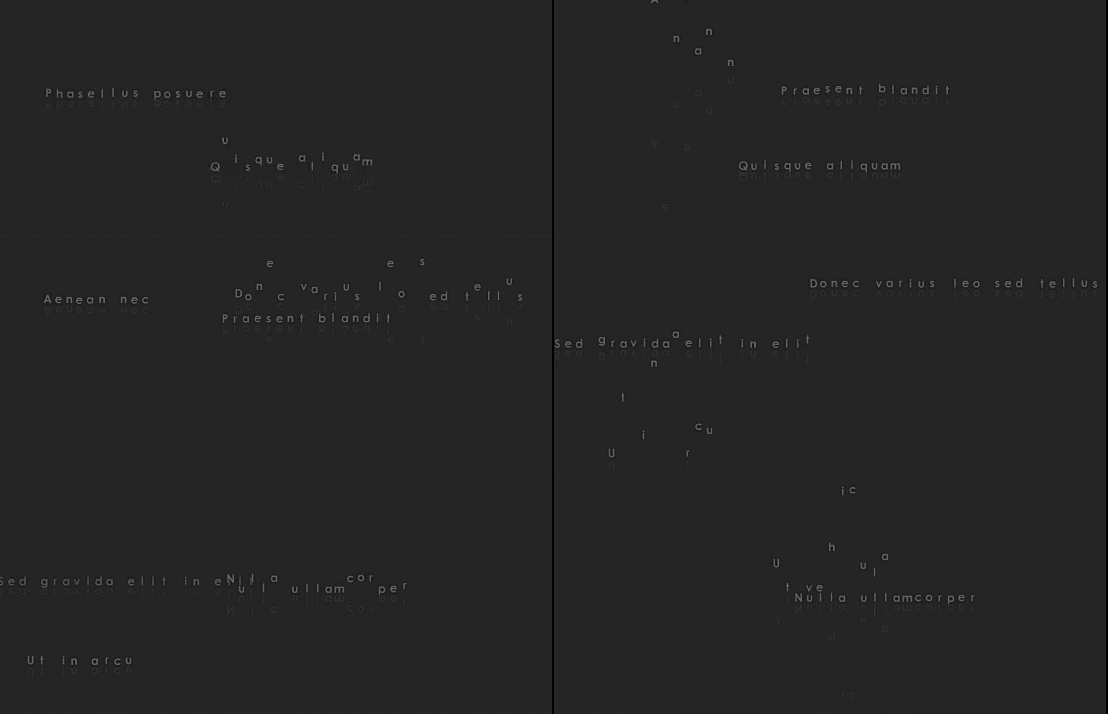
This is a simple effect to animate your any word. You can use it as an introduction to your movie by just adding a “Skip Intro” button if you want.
There are seven attributes you can control from the xml file. If you don’t put them via xml then the defaults given in the action script are used.
a. charspacing – default(-7)
b. showdelay- default(50)
c. staycount – default(150)
d. reachspeed – default(25)
e. bouncespeed – default(2)
f. bounceheight – default(300)
g. reflectionalpha – default(20) – [out of 100]
As soon as you change any of the above seven attributes, the animation gets adjusted. So, you can make many kinds of cool affects with this file. For seeing an example, click the buttons at the bottom of the preview. The buttons don’t appear in the main file. I have attached the preview file too, if this helps anyone… 🙂
